
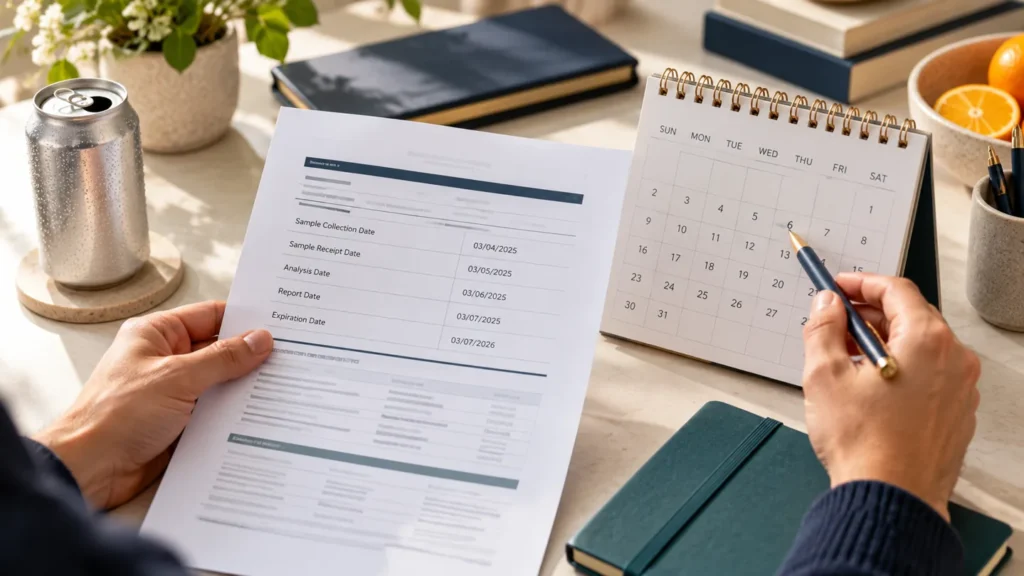
A COA can contain more than one date, such as a sample-received date, a testing date, or a report-issued date. Read the label beside the date before deciding which one you are recording.
Keep the date type attached
Write “report issued” or the document’s actual wording alongside the calendar date. Do not silently compare one file’s testing date with another file’s issue date as though they were the same field.
If a date format is ambiguous, ask for clarification. Preserve the original date text in your record so a later reviewer can see what the document actually displayed.
Use a consistent age check
- Choose the date field you are comparing.
- Record the document’s exact date label.
- Record the date and the day of your review.
- Keep the product and batch identifiers beside the date.
- Flag missing or unclear dates for follow-up.
A document-age check does not interpret laboratory values, establish product shelf life, or confirm that a report belongs to a different batch. Keep those questions separate.
Use the lab-results page to find available documents and ask about an unclear date or file.